
Ticket Categories Influence Product Decisions
How mislabeling can turn product decisions in the wrong direction.

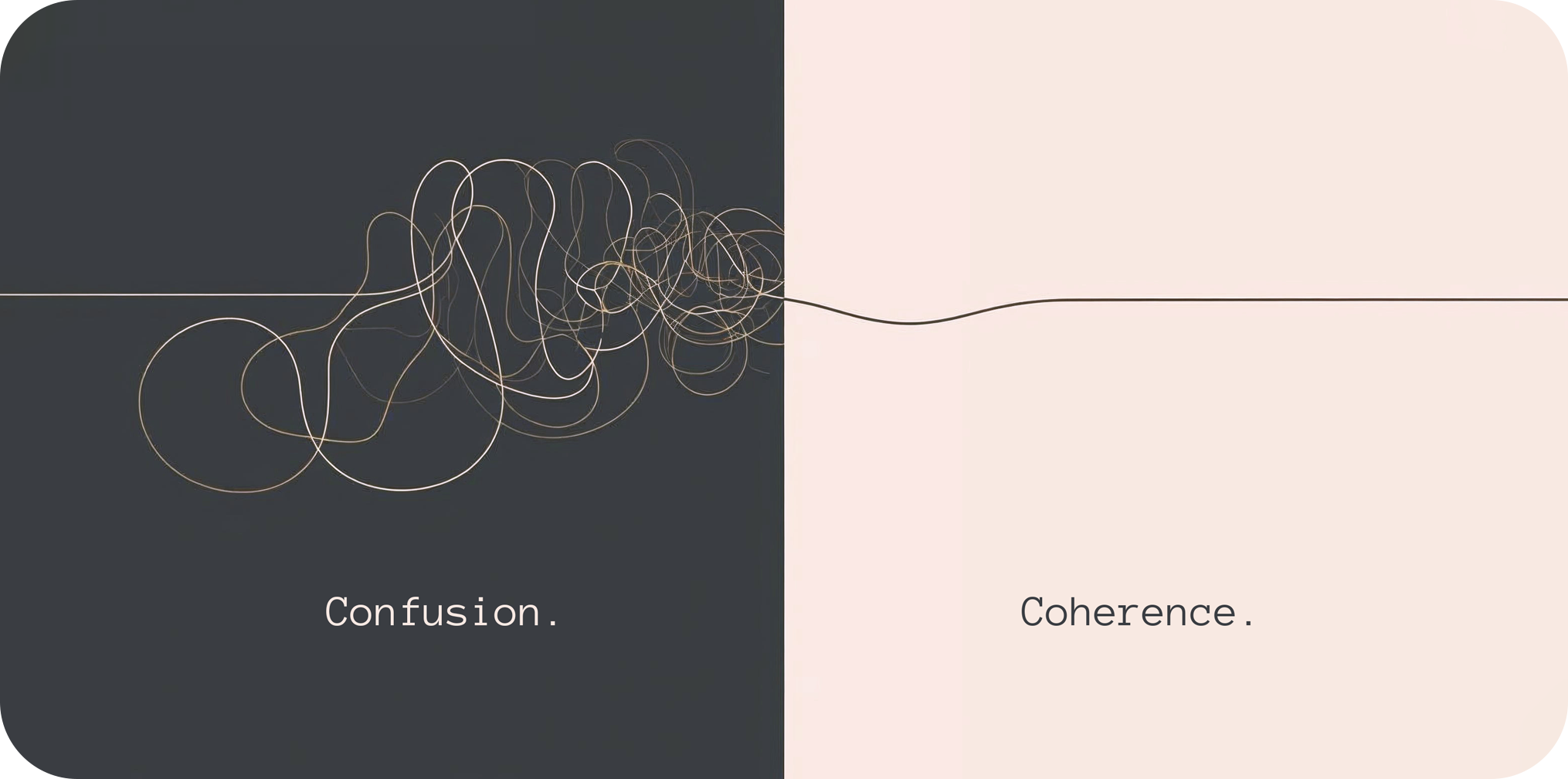
In a previous post, we looked at how a team misread repeated support complaints about a Monthly Outcomes Report, and how asking better questions changed the direction. But there’s an earlier problem worth examining. By the time those questions were being asked, the data had already been miscategorized.
At some point, product asked support what was actually going wrong for users. Support sent a report. That report was probably accurate about what users said, in the words they used, sorted into whatever categories the ticketing system offered. And it was almost certainly misleading. Not because anyone got it wrong, but because the system was designed to close tickets, not to find patterns. By the time the data reached a product decision, the real failure was already buried under a label someone picked from a dropdown.
Here is what that looks like in practice.
A team is reviewing its weekly support export. Tickets are tagged, cases are closed, and a required dropdown keeps things organized: Bug, Login Problem, Billing, Other. Tidy enough. Over six weeks, Login Problem starts climbing. The assumption is account lockouts, maybe password reset friction. Engineering begins discussing authentication rules.
Nobody is wrong to think that. The data says Login Problem. There are a lot of them.
But when someone finally reopens the tickets and reads them carefully, the story changes.
Users were not locked out. They were running a report, leaving a required filter blank, and getting incomplete results. Then they opened a ticket saying “I can’t access all student records” or “my report is missing people.” The support agent, working quickly and picking from a short list, chose Login Problem because it was the closest thing to "can't access" that the dropdown offered. That is not a failure of judgment. It is what happens when a system offers no better option.
The system had done its job. The ticket was closed. The category was wrong.
The dashboard showed an authentication problem. Engineering was already looking at session rules. But the actual failure was one unforced filter on a report screen, something the interface allowed without warning.
Nobody sat down and asked: “What do we actually need to learn from these tickets?”
Support built a system to close tickets efficiently. Product needed a system that captured failure points accurately. Those are different goals and the conversation to reconcile them rarely happens until something goes wrong.
If you are building or inheriting a ticketing system, the first thing worth asking is whether agents have an escape valve. A catch-all category, something like "Other" or "Uncategorized," is not an admission of failure. It is an acknowledgement that no fixed list of categories will ever anticipate every failure type. Without it, agents are forced to mislabel and the data is corrupted before anyone reads it.
If the system is already in place and the categories are already misleading you, the approach is different.
The fix is not a new analytics platform or a longer triage meeting. It is a different set of questions, applied to data you already have.
Pick one high-volume ticket category and read the last 20 to 40 cases manually. Ignore the label entirely at first. You are not looking for what the category says, you are looking for what the tickets actually describe. Pull out the words that keep repeating: specific screen names, actions, outputs. Those are what actually matter.
Then try to recreate what the user did. Click by click, in the actual product, until you can see where the confusion becomes inevitable. If you can reproduce it, you have found the failure point, not the symptom.
From there, the category system can be rebuilt around what actually happened rather than what users thought happened. Instead of a Login Problem, you might have a report filter skipped, incomplete export, or true login failure. Those are different problems with different fixes. A dropdown that collapses them into one label is not saving time, it is deferring cost.
In short:
Pick a high-volume category and read the raw tickets, ignoring the label
Extract the repeated words, screen names, actions, outputs
Recreate the user path until you can reproduce the confusion
Rebuild categories around the failure point, not the user’s interpretation
Update intake so agents tag the workflow step, not the symptom
The team made two changes. They added a new field to the intake form, Failure Point, and trained support to use it. Not “what did the user say was wrong” but “where in the workflow did things break down.” They also updated the report screen to prompt users when a required filter was left blank.
Login Problem volume dropped. More importantly, the team could finally see the difference between a real authentication failure and a report setup mistake, two problems that had been living inside the same label for months.
Neither change was expensive. What was expensive was the time spent attempting to solve problems that didn’t exist while the actual issue was hiding in plain sight, and the product strategy built around a need that a simple configuration change could have resolved.
This stuff is avoidable. Not always easy to fix, but avoidable. The gap between what support captures and what product needs is rarely technical. It could be as simple as a conversation that did not happen. Two teams optimizing for different things, never quite comparing notes.
It usually starts with the right people from each team sitting down together and asking: “What do we actually need to learn from this data, and are we set up to learn it?”
The complaint is never the diagnosis. It is just where the trail begins.
"The complaint is never the diagnosis. It is just where the trail begins."